SeeSAR
Drug Design Dashboard







SeeSAR & HPSee
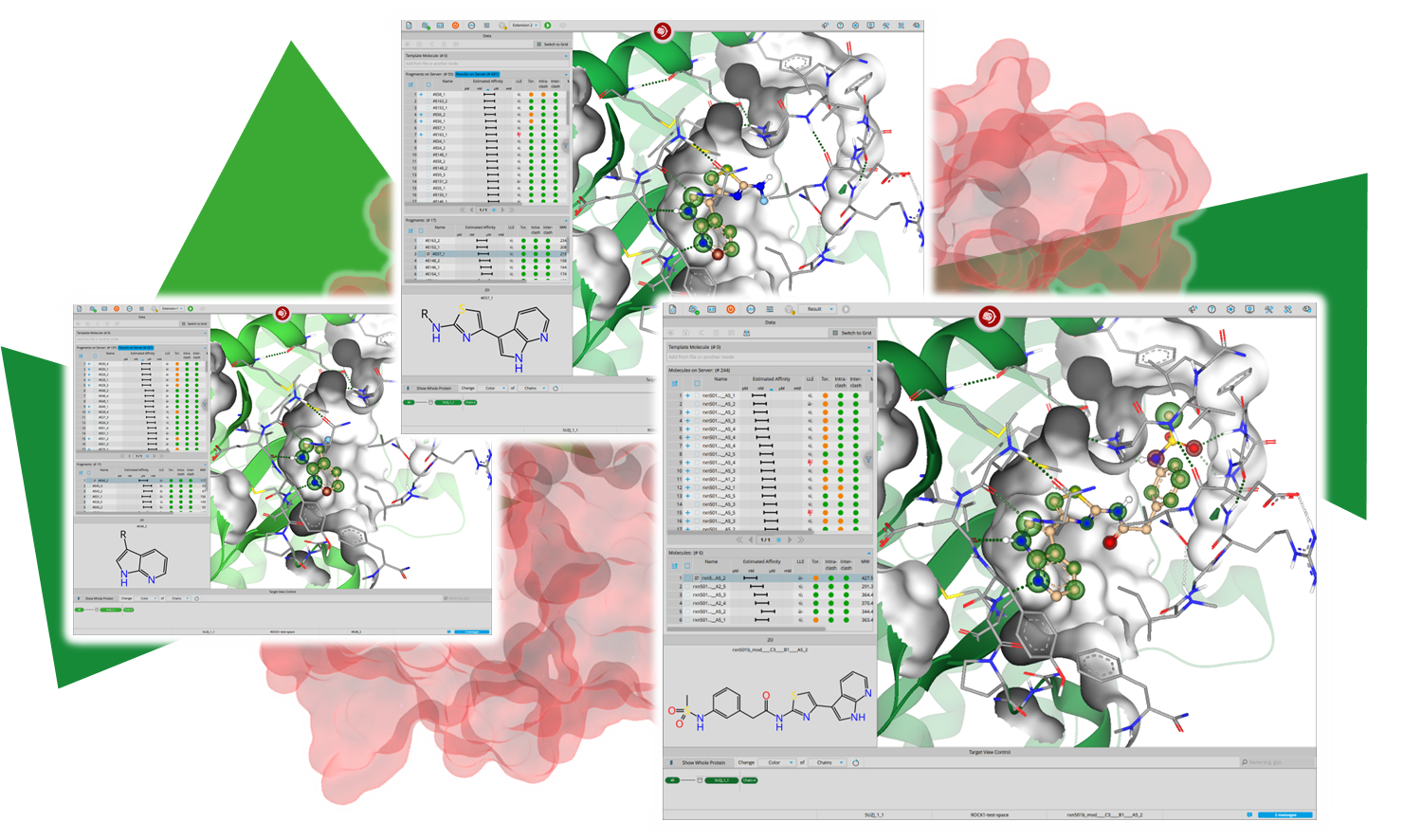
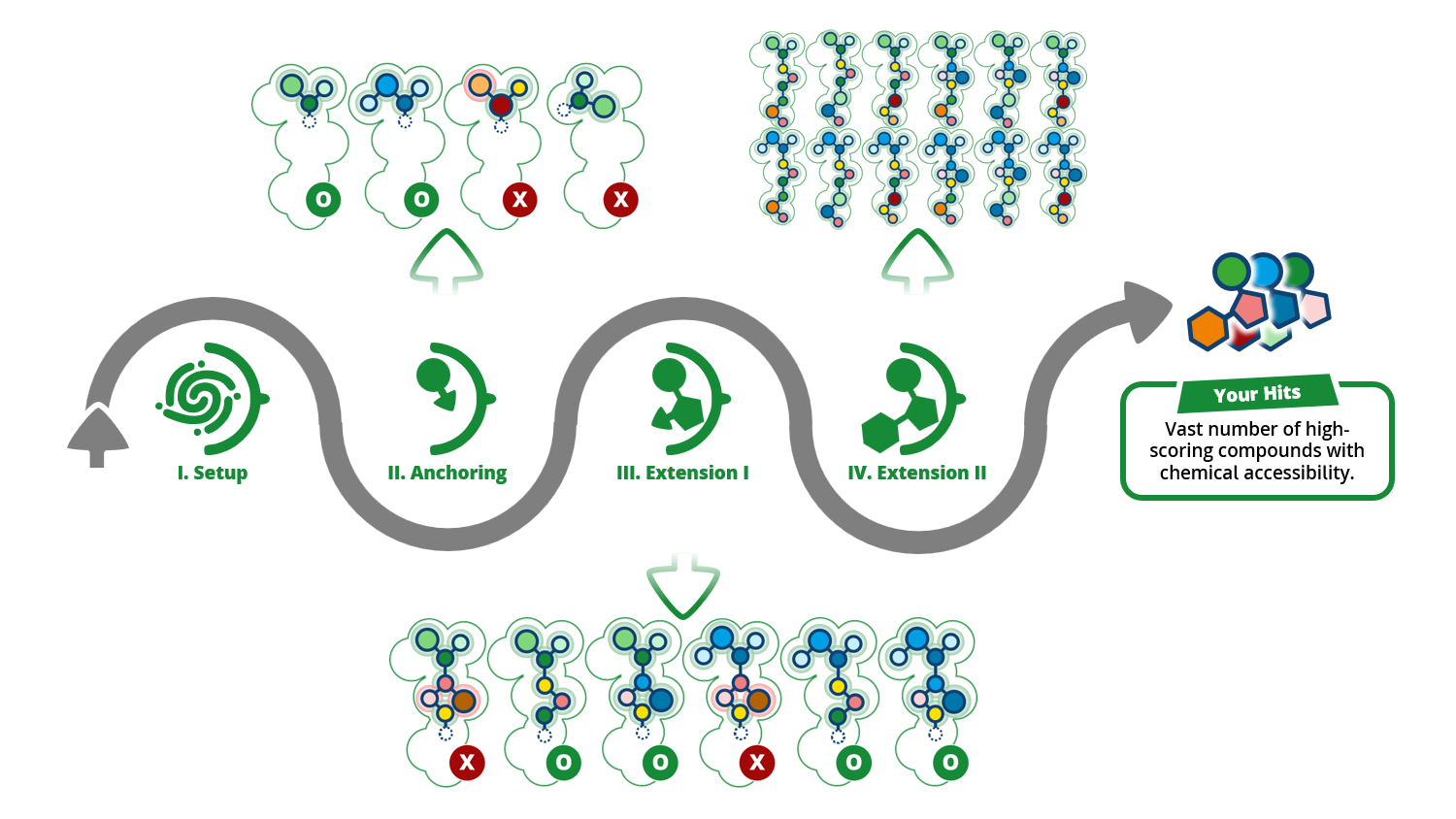
Run C-S-D interactively from the SeeSAR interface. Define the binding site, set pharmacophore constraints, and inspect and pick poses visually at every stage, while HPSee orchestrates the remote compute in the background.
Best for: Medicinal and computational chemists who want to stay hands-on and in full visual control.

HPSee & Python (e.g., Jupyter)
Drive C-S-D from Python and fold it into your own pipelines. Start workflows and pull results through the HPSee API, combine them with your own scripts and libraries, while HPSee still orchestrates the remote compute.
Best for: Computational scientists who want automation without managing the full infrastructure.

Command Line Tools
Run C-S-D from the command line using standalone executables. The tools run natively on your own cluster, workstations, or HPC scheduler, so you keep full control over orchestration and parallelization, with no HPSee required.
Best for: Advanced teams that run their own infrastructure and want C-S-D in existing pipelines.






|
GUI
SeeSAR & HPSee
|
API
HPSee & Python (e.g., Jupyter)
|
CLI
Command Line Tools
|
|---|---|---|
| In a nutshell | ||
| Run C-S-D interactively from the SeeSAR interface. HPSee orchestrates the remote compute in the background. | Automate C-S-D workflows in Python while HPSee handles job distribution and compute resources. | Run the individual C-S-D tools directly and manage orchestration, parallelization, and infrastructure yourself. |
| Where the compute runs | ||
| HPSee, deployed on a single machine (Compose Mode), across several machines (Swarm Mode), or on AWS. | HPSee, deployed on a single machine (Compose Mode), across several machines (Swarm Mode), or on AWS. | Your own cluster or workstations. No HPSee required. |
| How you drive it | ||
| Point and click in SeeSAR. No scripting required. | Python functions that wrap the REST endpoints, with a C-S-D workflow notebook and an administrative notebook. Swagger documentation is available in the browser. | Shell commands calling SynthonPrepper, SynthonDocker, and SynthonExtender. |
| Setup and expertise | ||
| HPSee setup on a dedicated machine or server. IT support recommended for maintenance. | HPSee setup required, plus working Python knowledge. Binding site and pharmacophore constraints are still set up in SeeSAR. | No HPSee setup. Advanced technical expertise required, since you manage orchestration and parallelization. |
| Flexibility | ||
| Guided workflow with visual control and pose inspection at every step. | Less restrictive than the GUI, so more steps can be automated. Integrates with your own scripts and libraries such as RDKit. | Export and reintroduce data at defined stages, keeping the molecule name and key SD tags, and plug in tools such as PyMOL and RDKit. |
| Best for | ||
| Medicinal and computational chemists who want to stay hands-on and in full visual control. | Computational scientists who want automation and flexibility without managing the full infrastructure. | Advanced teams that run their own infrastructure and want C-S-D embedded in existing pipelines. |
| How to access | ||
| Download SeeSAR 15 | Available upon request. | In development. Soon available to early adopters. |